
See what your agent did, and what it earned.
Every conversation is counted as resolved by Kylix, handed to a human or open. See the DM orders it led to, and teach it what it missed.
Screens show a demo store with sample data.
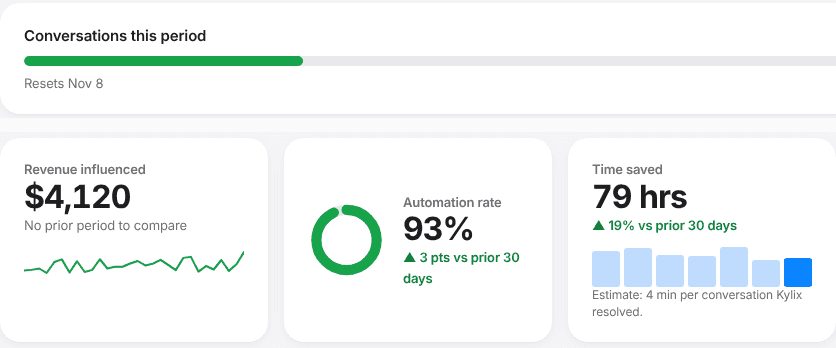
Everything your agent did, on one screen.
Home shows conversations used against your plan, the resolution bar, time saved and revenue influenced. Sales and Campaigns trace orders back to the chat.
Summary: what happened, what needs you, what it is worth. Conversations used this period, highlights, automation rate, time saved and who handled each conversation.
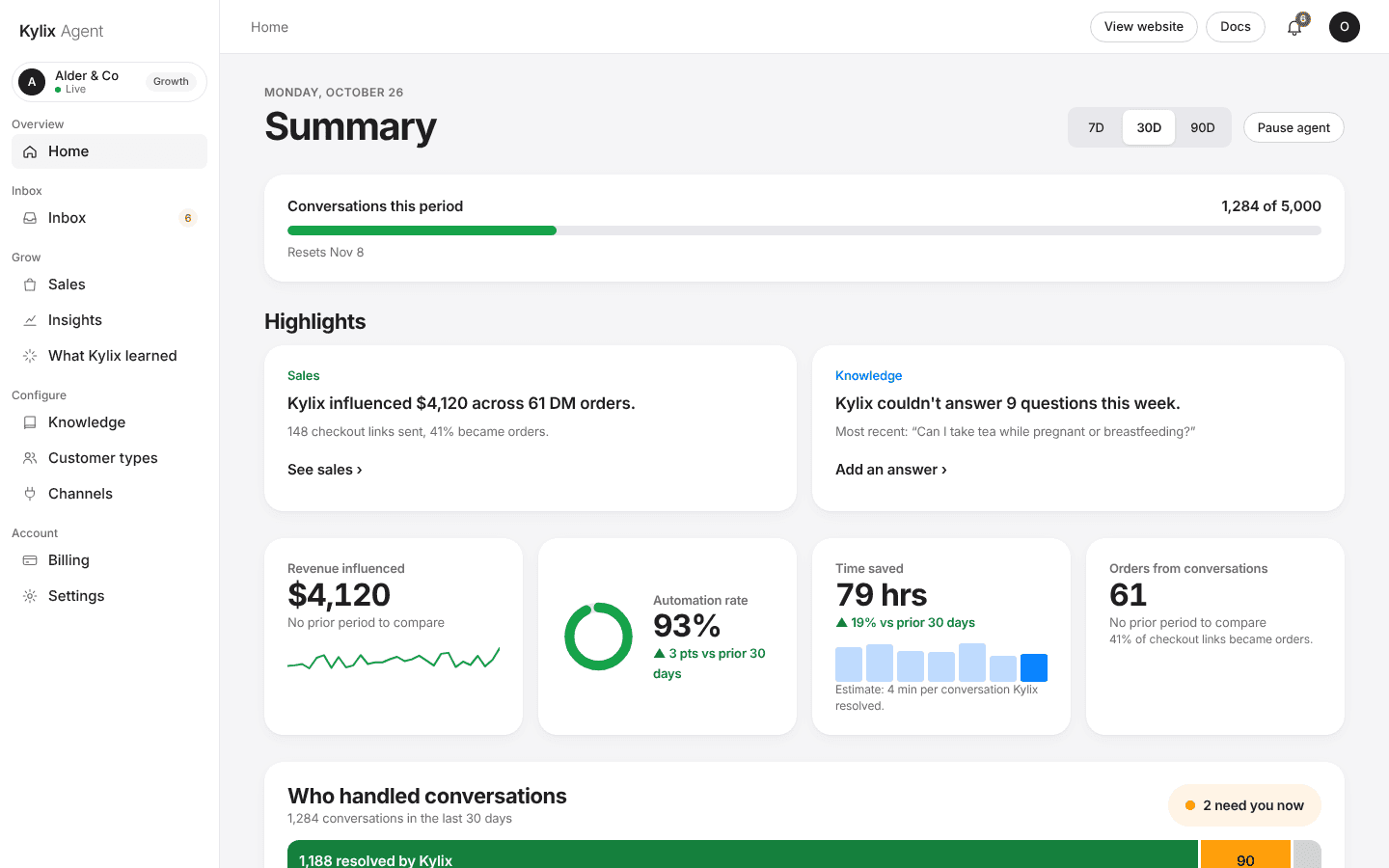
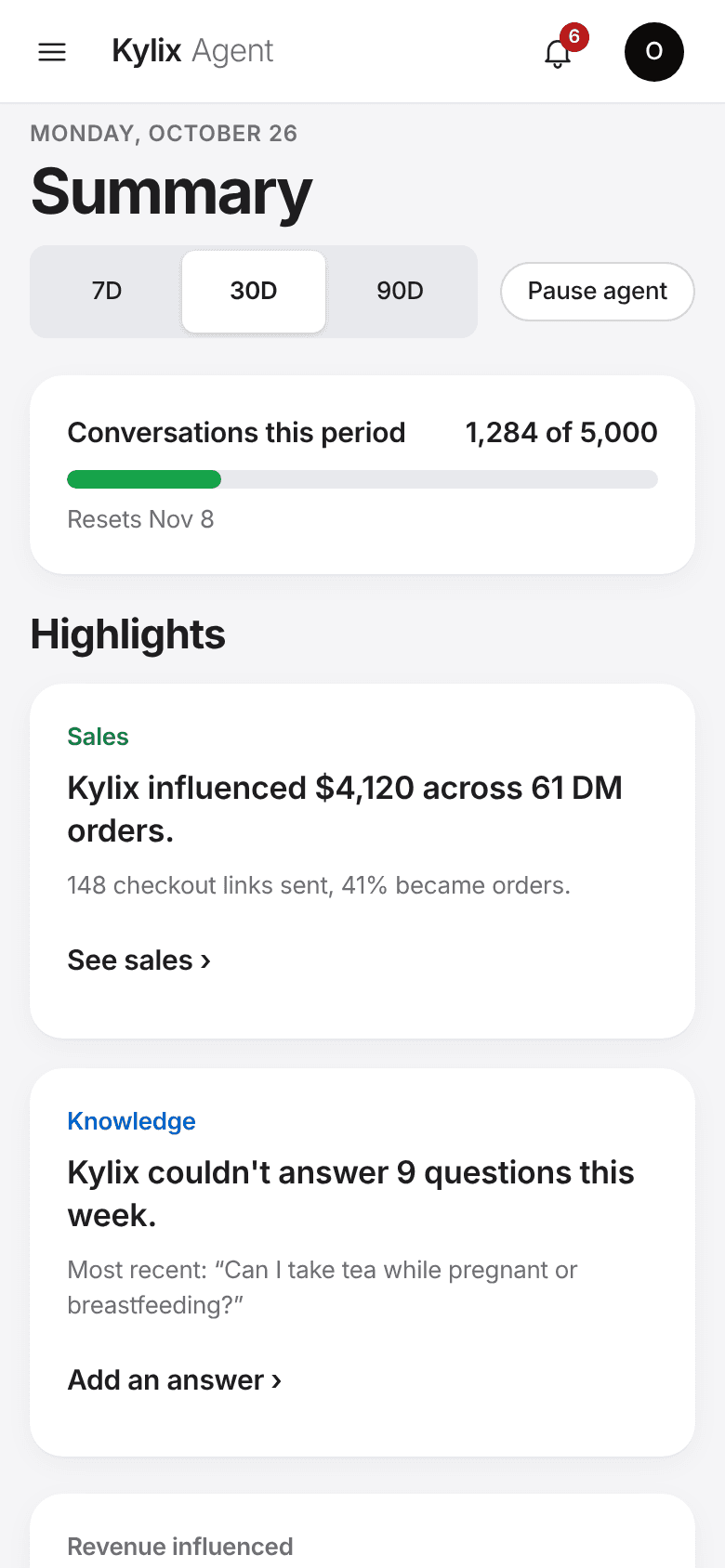
Demo store with sample data. Screens captured from the live dashboard.
Every conversation counted, every gap visible.
See what customers ask, what Kylix resolved and what it handed over, then close the gaps in one click.
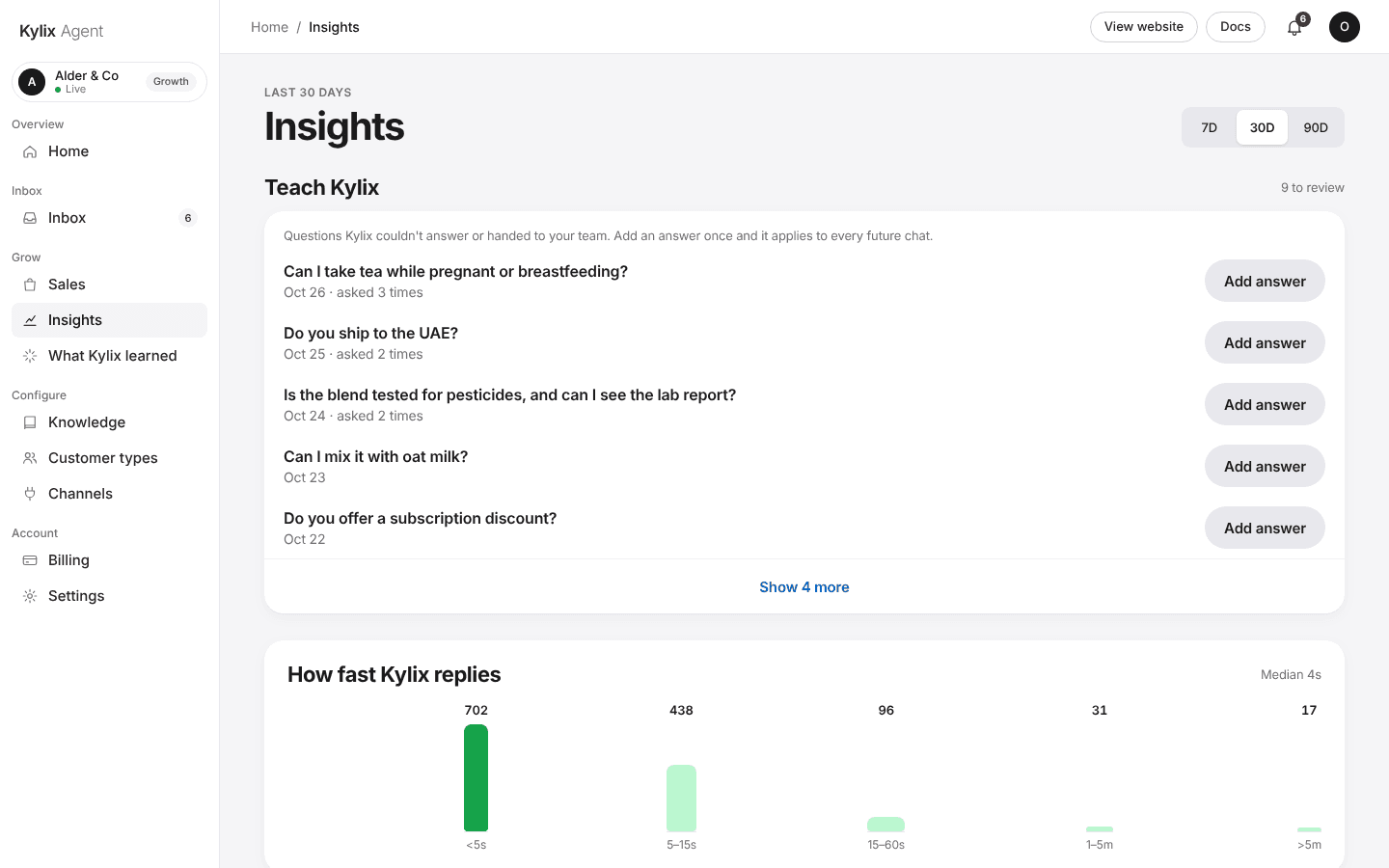
Questions it could not answer, one click to fix.
Insights lists what customers asked that Kylix could not answer or handed to your team. Choose Add answer, write it once, and it applies to every future chat.
- Newest and most-asked first
- Saved as an FAQ in Knowledge
- Reply speed and busiest hours sit below
Ask about the page you are on.
A help assistant on each dashboard page answers questions about that page and guides you like someone sitting beside you. It is not a chat bubble that follows you around. If it cannot answer, you send a request and it reaches the Kylix team.
- Scoped to the page you are viewing
- Requests go to the team, with the page they came from
Why is my revenue lower than orders in Shopify?
This page counts orders tied to a chat where Kylix sent a link or code. Orders that came from elsewhere are not included.
It gets better, and cheaper to run, the longer it works.
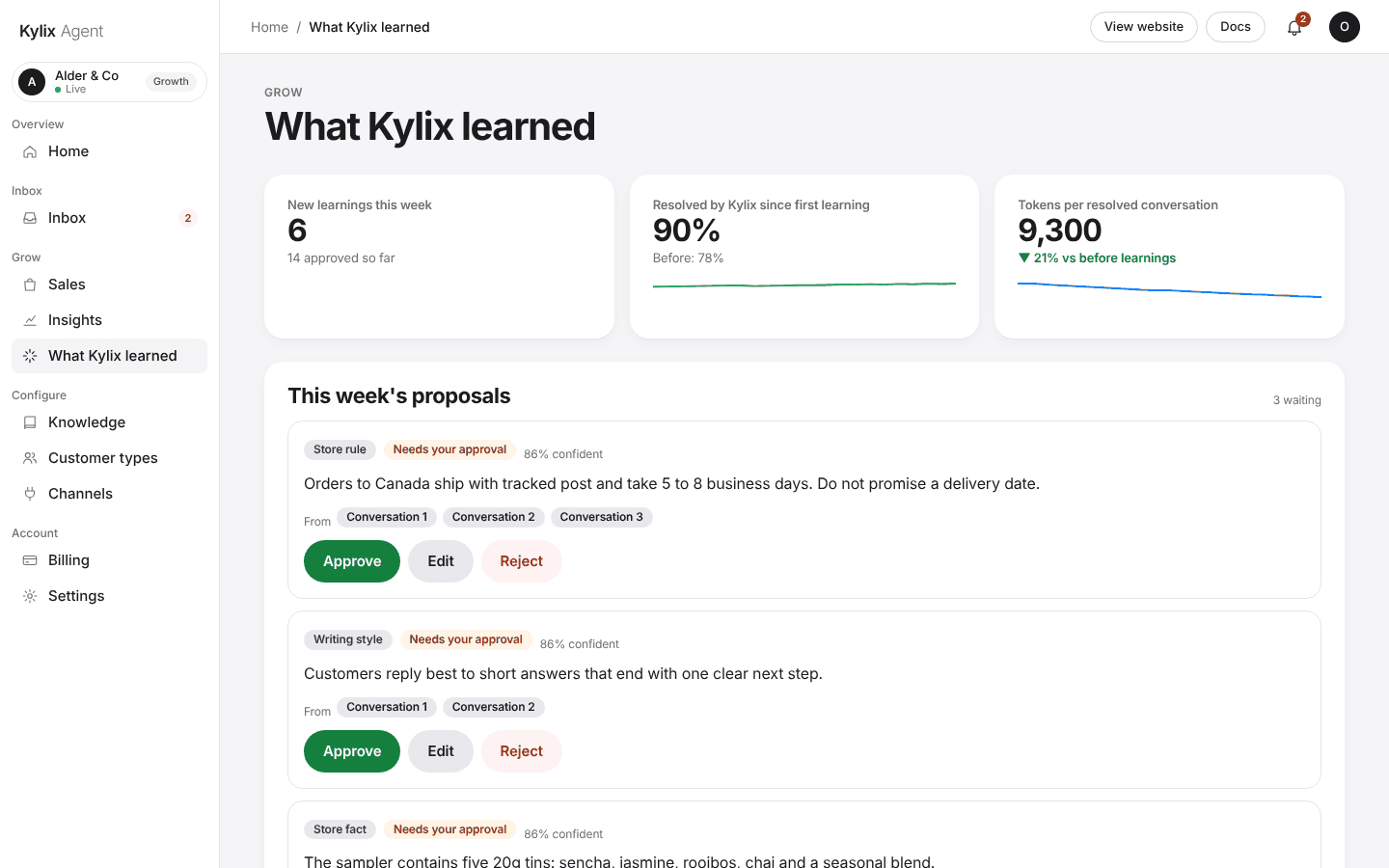
Kylix proposes what it learned. You approve it. Approved learnings apply to every channel from the next message.
Kylix notices
A store rule, a writing style or a fact that came up in your conversations.
It proposes it
Each proposal shows the conversations it came from and how confident Kylix is.
You approve, edit or reject
Nothing changes until you approve it. You can let low-risk learnings apply automatically.
You see the effect
The dashboard tracks resolution rate and tokens per resolved conversation since the first learning.
Questions about the dashboard.
Is the dashboard in the screenshots real?
Yes. The screens are captured from the live dashboard, filled with sample data for a demo store.
How do I teach Kylix something it missed?
Open Insights, find the question under Teach Kylix and choose Add answer. Write it once and it applies to every future conversation.
Can my team use it?
You can add people and tick what each can use. There is no per-seat price, and billing stays with the account owner.
What do I see about sales?
Revenue from conversations, the funnel from buying intent to orders, and the orders themselves with the code or link they came through. Campaigns show what each one sent and earned.
Who answers when I ask for help?
A help assistant on each page answers questions about that page. If it cannot, you send a request and it reaches the Kylix team.